You can change your mobile number by navigating to My Account → Profile → Personal Details.
Click "Edit" next to your mobile number.
Enter your new mobile number and click the "Save" button.
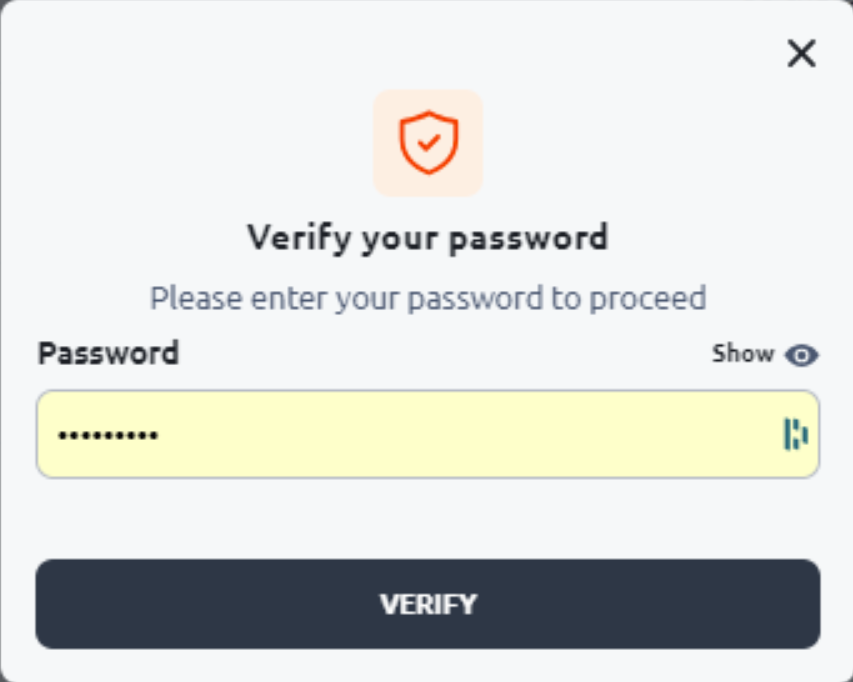
Enter your password in the pop-up window.
Enter the 4-digit code sent to your old mobile number.
Finally, enter the OTP code sent to your new mobile number to complete the process.
Important:
- If you do not have access to your account, or
- If you can access your account but do not have access to your previous phone,
please contact the Customer Service team for assistance.